
Why Your Mix Sounds Different on Spotify

A lot of artists finish a mix feeling confident. Then they upload it. Suddenly the vocal feels too loud. The low end disappears in the car. Cymbals become harsh. The entire song feels different than it did in the studio. This happens constantly. And most of the time, Spotify is not actually ruining the mix.
The issue is usually translation.
What Translation Really Means
Translation means how consistently your mix holds together across different playback systems.
That includes:
Studio monitors
Earbuds
Car stereos
Bluetooth speakers
Laptops
Phones
Streaming playback systems
A mix that only sounds great in one room is not truly finished.
Streaming Platforms Change Playback

Spotify, Apple Music, YouTube, and other platforms apply loudness normalization. That means playback volume may change automatically depending on how aggressively the song was mastered. If a mix was pushed too hard during limiting, the platform may simply turn it down.
The result:
Less punch
Reduced dynamics
More audible harshness
Smaller perceived size
The Car Test Still Matters

The car remains one of the best real-world listening environments.
Why?
Because cars exaggerate low-end imbalance quickly. If the bass overwhelms the mix in the vehicle, there is a good chance the low mids are not properly controlled. If the vocal disappears while driving, the midrange balance probably needs adjustment.
Earbuds Reveal Vocal Problems Fast

Modern listeners consume huge amounts of music through earbuds.
Earbuds expose:
Harsh upper mids
Sibilance
Over-bright vocals
Thin low mids
That is why vocal balance matters so much. A vocal that feels exciting on large monitors may become painfully sharp through earbuds.
Stereo Width Can Backfire
Wide stereo effects sound impressive in the studio. But excessive width can weaken a mix on smaller playback systems. Some stereo widening techniques also create phase problems that partially disappear in mono playback.
That is why mono compatibility still matters.
Quiet Listening Is a Powerful Test
One of the simplest tricks I use is lowering the playback volume dramatically.
At low volume:
Vocals should still stay understandable
The groove should remain intact
Important instruments should remain balanced
If the song collapses quietly, the balance likely still needs work.
Reference Tracks Help Reset Perspective
Mixing for hours can destroy objectivity. Commercial references help recalibrate your ears.
Compare:
Vocal brightness
Bass level
Reverb depth
Stereo width
Overall tonal balance
Do not copy another artist. Use references to stay grounded.
Mastering Cannot Fix Everything
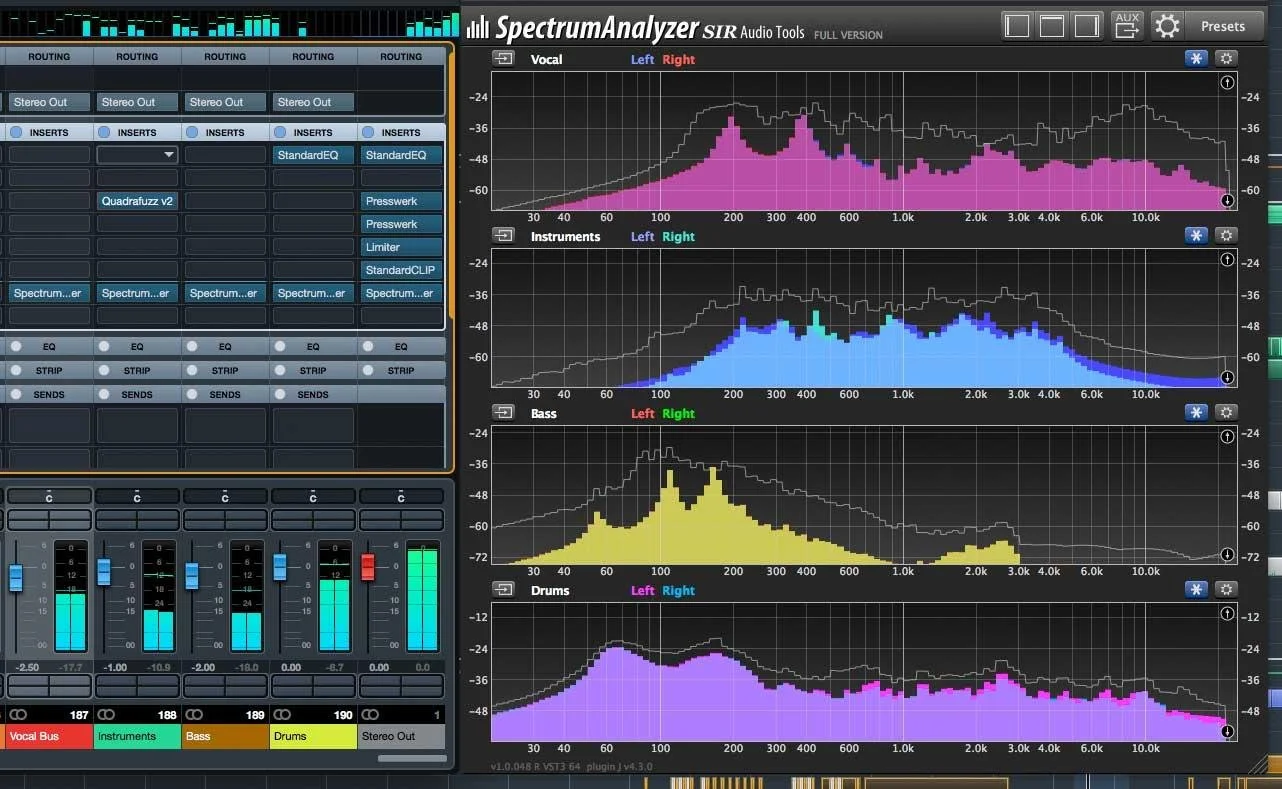
Mastering helps refine translation. But mastering is not designed to completely rebuild a problematic mix.
The strongest masters usually start with disciplined mixing decisions:
Controlled low end
Clear vocals
Balanced dynamics
Thoughtful arrangement
Final Thoughts
A release-ready mix is not just about sounding impressive in the studio.
It is about consistency everywhere.
That is what professional translation really means.
If you want experienced ears on your mix before release, I offer free Mix Reviews and LUFS Analysis through Skyland Studios.
https://www.skylandstudio.com/book-mixing-mastering-skyland
About the Author
Darren Rust is the owner of Skyland Studios, a recording, mixing, and mastering studio based in Lakeville, MN. He works with artists locally and remotely, helping them create clean, professional, release-ready music with a focus on vocal clarity, balance, and translation across real-world listening systems.